Google Local Search Is Hiding Your Phone Number. Here's What Changed.
Google's latest local search tests are routing customers straight to booking pages and burying call buttons. We're fixing what matters on your profile.
WebKing Intelligence Desk//Monitored live
Get my free auditFree, 30 minutes, no pitch deck. You keep the findings either way.
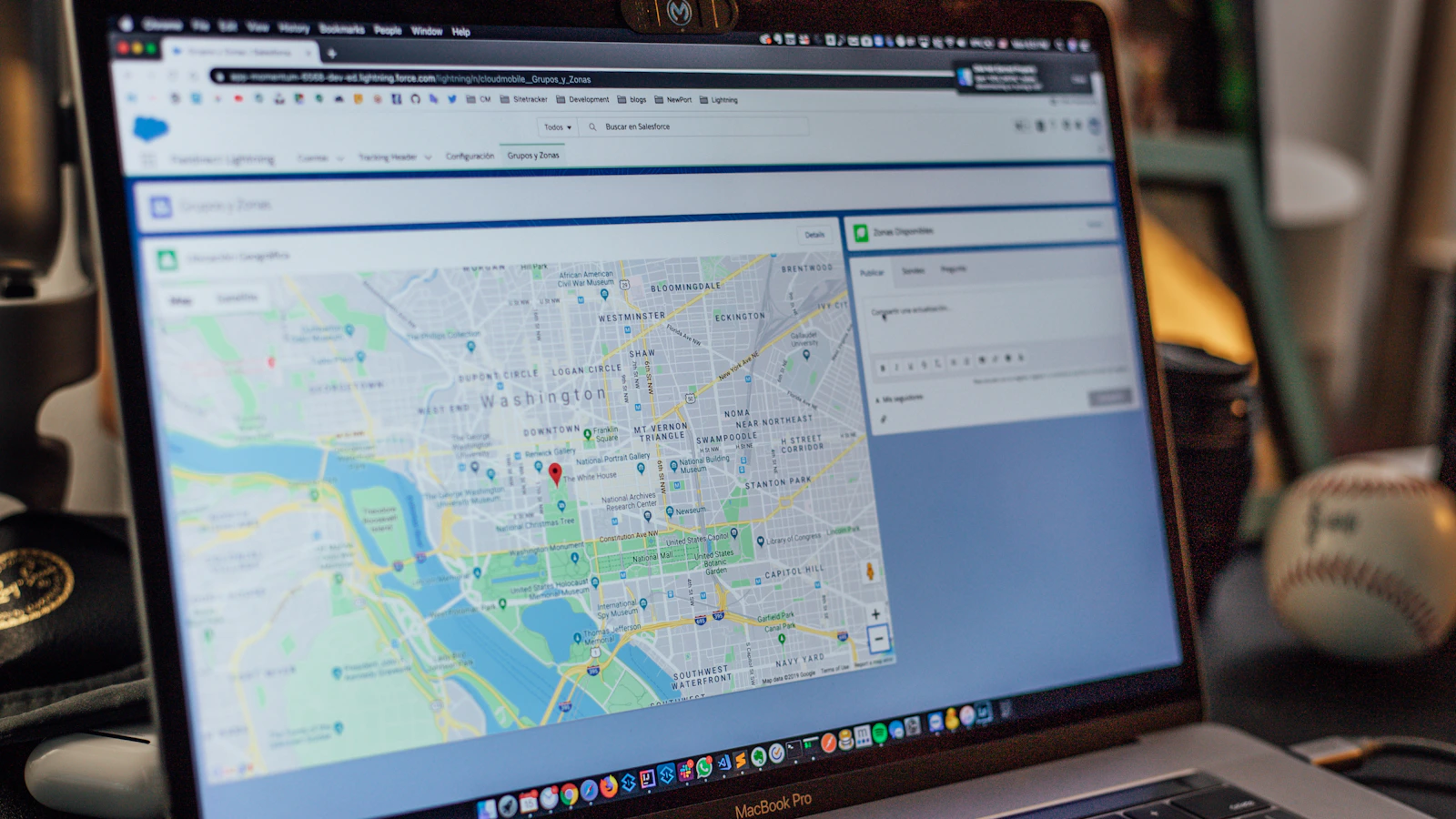
Google Local Search has three new ways to block the path between a customer and your phone number. According to reporting from Skillful Antics, Google's AI Mode now routes service searches, plumbing, haircuts, home repair, straight to booking pages, bypassing your business listing entirely. Maps is replacing Call buttons with Message buttons in some markets. And AI-generated local results are shrinking or hiding call and website buttons altogether, forcing customers to click deeper just to find your contact info.
For a local business owner, this is a conversion problem. If customers can't see your phone number or if they land on a booking page you don't control or haven't claimed, you lose the sale. The fix is not complicated, it's consistency and completeness.
What Google Changed and Why It Matters
Google's AI Mode is designed to save time. Instead of showing you a list of plumbers and their reviews, it shows you a booking page. Instead of letting you tap Call, it sends you straight to reserve a time. This works for Google, faster search, less friction. It works for some service businesses, automatic appointments, no missed calls. But it doesn't work if your business isn't on that booking page, or if your hours or availability are wrong there.
The Message button swap is subtler. Google is testing a world where messaging becomes the primary contact option on Maps, with Call as secondary. This is a data harvesting play for Google, messages stay in their platform. For you, it means customers who prefer to call may message instead, and you have to monitor and respond to messages the same way you answer phones.
The shrinking call and website buttons affect visibility. If your business appears in an AI-generated local result with fewer buttons visible, customers have to scroll or tap to find your website or phone number. That friction costs you conversions.
The One Thing to Check Right Now
Consistency between your Google Business Profile and your website. If your phone number, address, hours, or booking link differ between the two, Google's AI indexing will get confused. Some results may show your website phone, others your profile phone. Some may default to a booking page you don't control. Customers see a mess.
Log into your Google Business Profile and check your phone number, hours, address, and booking link.
Compare every field to what appears on your website's contact page and footer.
If they don't match, update your profile first, then your website.
If you use a booking tool or scheduling software, make sure the link is current and that it actually works.
If you use the Message feature, assign someone to monitor it daily and respond within hours, not days.
The old local search flow was: customer searches, sees your listing, reads reviews, taps Call. The new flow is: customer searches, Google AI decides whether to show your listing or a booking page, and your phone number may or may not be visible. You can't control the second step. But you can make sure your profile data is correct so that when Google does show you, the customer can reach you.
Start with an audit. Spend 20 minutes comparing your Google Business Profile to your website. If anything is different, even the phone number format, fix it. This is not SEO optimization. It's not clever. It's the basic work that keeps customers from getting lost.
How WebKing runs this
We sync your Google Business Profile data with your website content so customers can find what they need across every surface Google tests, whether that's a direct booking page, a message option, or a traditional call button.
Will customers still see my phone number in local search results?
Not always. Google is testing layouts where call buttons are less prominent or hidden entirely. Your phone number will appear on your Google Business Profile, but customers may hit a booking page or message button first. Make sure your booking link and message settings are live and accurate.
Should I turn off messaging on Google if most customers call me?
No. If Google is placing Message next to Call in Maps results, disabling messaging removes a path customers expect to see. Instead, set a response time for messages and assign someone to handle them quickly so the channel works for your business.
What should I do if my website and Google Business Profile have different phone numbers?
Fix it immediately. Inconsistency between your profile and website confuses both Google and customers, especially as Google tests AI-generated local results that pull from multiple sources. Audit both for matching phone, address, hours, and booking links.
Does this change affect my ability to show up in local search at all?
No, but it changes how customers interact with your listing. Even if call and website buttons are fewer or hidden, your business still appears in local results. The issue is conversion: if your booking link is broken or your message settings are off, you lose customers who won't dig for a phone number.
The Lab is original analysis by WebKing. We summarize and interpret developments from the sources above for industrial, commercial, and small business owners. Figures are reported as published by their sources.